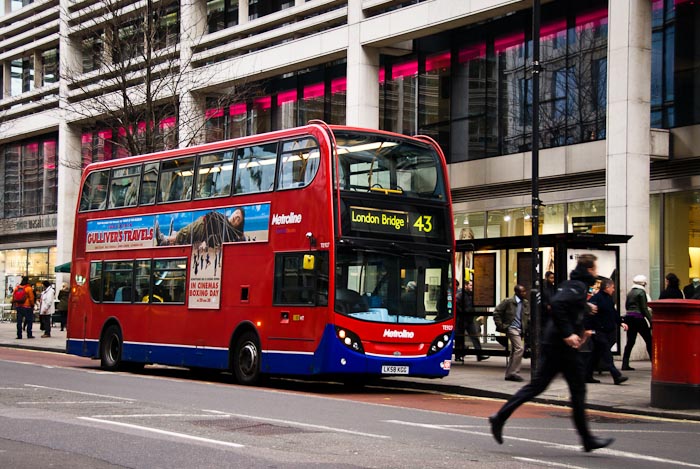
London Double Decker Bus
Everyday Adventures

My January Challenge: Start Riding the Bus

Chalk it up to the fact that I’m American, but I don’t get the bus.

Now, I don’t have anything against public transport.  In fact, I’ll ride the subway / tube / metro anywhere.  London, Paris, New York, Chicago, I’ve explored them all using the underground trains.  The tube makes sense to me as a way to get around, especially in a big city.  You avoid the snarling traffic in the streets above.  I understand the maps and codes of the underground, when to get on and off.  If you dropped me off in a subway station in most cities, I’d feel confident enough to find my way from point A to point B.  And, before I became a stay a home mum, I spent a year commuting by train and tube into London.  The train is comfortable and familiar.  But the bus?  Not so much.  The complexity of its timetables and stops, it’s like hieroglyphics.

Maybe it’s a function of my childhood.  Where I grew up, the bus wasn’t simply a way to get around, it was a measure of socio-economic status.  You didn’t ride the bus as an efficient means of getting around town.  You rode it because you were too poor to own a car.  And the bus line typically doesn’t extend out of the inner cities and into the suburbs where most of middle class America lives and works.  The vast expanse of America necessitates the car as a primary means of transport.

Europeans, however, are happy to accept public transport, bus and train, as their primary means of getting around.  Riding the bus is normal, it’s efficient, it’s accessible.  I now know people who don’t own cars and who use the bus exclusively to get where the need to go.  The only people I’ve ever known in America to use the bus are friends I’ve had in the big cities, places like New York and Chicago.  They live in the middle of the city and they don’t own a car because it’s too expensive to park.  But outside of those dense urban landscapes, I don’t think I know a soul who uses the bus.

So maybe it’s a culture thing or maybe it’s just my control issues but for whatever reason, taking the bus has been outside of my comfort zone.  If I’m going to brave the traffic on the surface streets, I might as well drive myself.  It will take less time than figuring out the timetable for the bus.

But, I’ve decided it’s time to break out of my comfort zone.  I’m not saying I’m going to start taking the bus everywhere because, well, that’s just not going to happen.  I didn’t go through the pain of getting a UK driving license for nothing.  But, very specifically, I’ll start taking it into Oxford.

Oxford, the charming city steeped in history, has one big flaw.  It really, really hates cars.  Oxford seems on a mission to make it as difficult as possible to navigate its historic streets by car.  With a maze of one way and restricted streets, extortionate parking fees, and traffic jams no city of this diminutive size should ever have, Oxford sends a clear message to anyone behind the wheel of a car, Keep Out.  We live just a couple of miles outside the city center, a drive that at 7 AM in the morning, when there is no traffic, takes me about 5 minutes.  More often, the road into the city center is choked with traffic.  This two-mile journey has, on occasion, taken me 45 minutes to complete.  Now, I know you’re thinking the bus won’t help me with this.  But, there is in fact a bus lane which allows buses to navigate the queue of traffic with ease.

There are great things to do in Oxford, places like the Oxford University Museum of Natural History and the Ashmolean, good outings for me and the Little Monkey.  But I tend to do other things instead just to avoid going into the city.  I would do these more often if it weren’t such a hassle.

So, as there is bus stop more or less in front of my house(!), I’m going to give the bus a chance.  Plus, the last time we were in Oxford, the Little Monkey expressed an interest in riding the bus.  Given his obsession with modes of transport it’s only fair of me to give him that experience.

Stay tuned for more on our adventures riding bus.
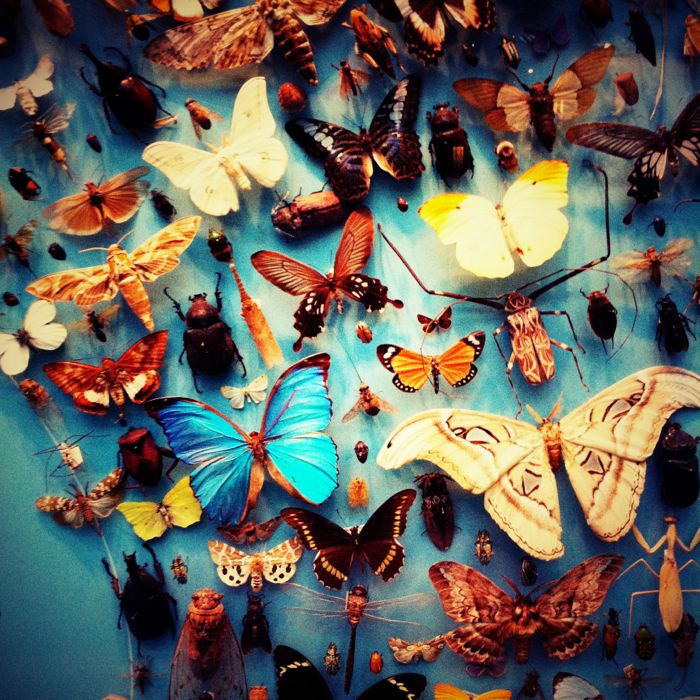
Swarm at Oxford University Natural History Museum
Inspiration

Links For the Weekend

I love the Internet.  It’s an amazing place full of stuff, an almost overwhelming amount of stuff.  But then the world is filled with amazing things to start with.  There is stuff that answers my questions, stuff that keeps me informed, stuff that inspires me to be a better person, stuff that makes me laugh, and stuff that serves absolutely no purpose at all.

So, I’ve decided that each Friday I’ll share a random assortment of the interesting things I’ve found on the Internet during the week.  If you’re bored, or it’s raining, or you need some bathroom reading, here are some ideas to get you started.

Now you folks in the UK will never have to worry about explaining the offside rule. Or will you?

I love abstract photography.  Photographer Cliff Briggie has done amazing work with paint and ice.

How could you not want a house with a slide?  Inside…  where the stairs should be…

What an inspiring way to spell out what’s important in your life.

I like Beyoncé (baby congrats!) and love Downton Abbey (come on Season 3!). Well, find out what happens when you mix Downton Abbey and Beyoncé.

OMG!  Check out this little girl.  Looking past the talent she’s obviously got, I think I am mildly horrified by the images in the mirror of the mom stage directing.  Maybe there was a less grown up song that could have showcased her talents just as well?

I think all men should react like this to our crazy girlie craft projects.

Reading beautiful children’s picture books to the Little Monkey is a delight.  I found this great selection.

I dare you to try this next time you are out for a meal with your friends or family!

Pardon me, is this your kitten?

Have a good weekend!

Note:  If you haven’t discovered Pinterest yet, I recommend checking it out.  It is by far the easiest way I’ve found yet for keeping track of and organizing all the stuff I find on the Internet that I want to remember.

iPhoneography, Photo Tips & Tricks

Making Sense of My iPhone Camera Bag: An Application Addict Comes Clean

Hello.  My name is Katherine and I am a recovering addict, iPhone photography application addict that is.  At last count I had close to 80.  Seriously, I have a problem.  There is no way I could ever use all of these in my daily photography.  But ever since I first starting taking photos with my iPhone and discovered the world of photography apps, I’ve felt compelled to check them all out.  Each might be just the thing to turn my average looking iPhone photo into something magical.

Well, this year I’ve resolved to clean house .  My iPhone has quickly become my go to camera and these days it’s getting a lot more action than my Nikon DSLR.  And, it’s completely replaced my point-and-shoot.  It’s not that I don’t still love taking photos with my Nikon, it’s just that my iPhone is ubiquitous, it’s like an appendage.  And you can’t argue with photographer Chase Jarvis when he says “the best camera is the one that’s with you.”

But the dizzying array of apps that I have on my iPhone is starting to get in the way.  They’re taking up space, they’re cluttering my screen, they’re making my iPhone a more fussy camera than it should be.  For me, the iPhone is about being able to capture the spontaneous moments of life.  I like making artistic creations as well, but you can’t apply a funky vintage filter to a photo that doesn’t exist in the first place.  I’ve also had a few friends with new iPhones ask me to suggest some apps that they try.  So I figured what better reason to identify what I really use and put a list together.

How am I going to clean house?  I’ve taken a step back and thought about what my requirements really are (yep, this is the former IT consultant in me coming out).  What are the functions I really want to have and use regularly? Here’s what I’ve boiled it down to.

Shooting

You can’t take pictures without a basic camera app and the built-in Camera app that comes standard with the iPhone is pretty darn good.  And, now with IOS5, I love that I can just double-click the Home button and have instant access to the Camera app from the Lock Screen.  Great when speed is of the essence.  The new ability to use the Volume+ button to snap pictures also makes the iPhone feel even more “camera-like.”

But, sometimes I want something a little more robust or creative and these are the camera apps that fill in some of the gaps for me.

  • Camera+ and ProCamera – These are both camera replacement apps that have features you’d want in a camera that the built-in Camera app doesn’t have.  They include a timer, burst/continuous mode, stabilizer/anti-shake mode, separate focus and exposure lock, and support the Volume+ shutter function.  As a bonus they both include some basic editing tools and filters.
  • Hipstamatic – Hipstamatic shoots in square format and simulates retro photos that would have come out of a toy camera.  There are so many permutations of lens / film combinations that the results are unique and I’m never quite sure what I’m going to get.  The only drawback for me is that choosing the lenses and film can be a bit cumbersome.
  • Lomora2 – I gravitate toward LOMO style and effects, unusual saturated colors and vignettes, but I’m not a film kind of girl anymore so I simulate them.  There are plenty of apps that have LOMO filters you can apply after the fact but shooting with the Lomora2 app has given me better results.

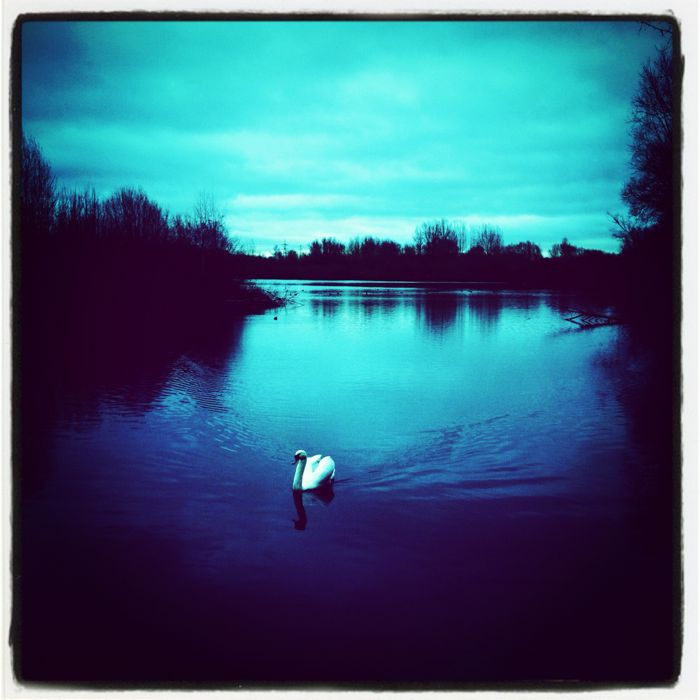
Serenity

Basic Editing

There are plenty of apps that try to give you Photoshop-like tools to edit the photos on your iPhone.  But if I wanted to spend all my time doing masking and layers in Photoshop, well, I’d use Photoshop.  In my mind, that is clearly reserved for photos from my DSLR.

But, there are some basic editing functions that I still find necessary.  Things like cropping, rotating, adjusting white balance, and fixing exposure.  In looking at the apps I had with these functions, I narrowed it down to those with iPad versions as well.  With the release of IOS5 and iCloud, my photos are now seamlessly available on my iPad2 where I can edit them with a little more screen real estate.

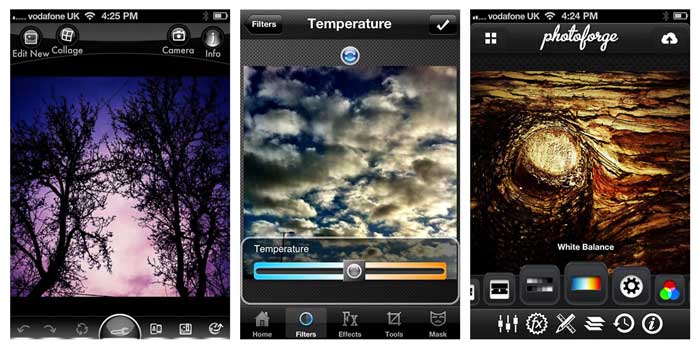
  • Photoforge2 and Photogene2 were the two apps that stood out for me.  There is overlap in the tools they have but there is enough unique about each of them that I use them both.  Photoforge2 has better filters but Photogene2 has better retouching tools.
  • PhotoWizard also got high marks from me and has a particularly good set of retouching tools and filters.  I want it to have an iPad version though.
Basic iPhone Editing Apps

Creative Editing

This is where you can go crazy mad with apps that perform every kind of photo editing gimmick imaginable.  And, this is where I had the most weeding out to complete.  The apps I’ve narrowed it down to have a variety of vintage, lo-fi, color, and black and white effects that reflect my style and vision.

  • PhotoToaster – I’ve used PhotoToaster quite a bit for a number of the color filters and lighting adjustment that it has.  I also like how it allows me to combine effects.
  • PictureShow – This has great set of filters for creating various lo-fi effects such as light leak and vignettes.  It also has a groovy shuffle button where you can just leave everything to chance.
  • TiltShift – Tilt shift is a method of using selective focus and color to make a scene appear as if it is in miniature.  A number of apps include this feature but I’ve found the TiltShift app to be the most flexible.  I made lots of these on my train travels in London.
  • Scratchcam – As its name might suggest, Scratchcam has a dizzying array of scratches and textures that can be overlayed on an image.
  • Pixlr-o-matic – FREE!  Plus I like the selection of light effects (bokeh) and textures.
  • PicFrame  – PicFrame is useful to have because it allows you to combine multiple photos into frames and collages.
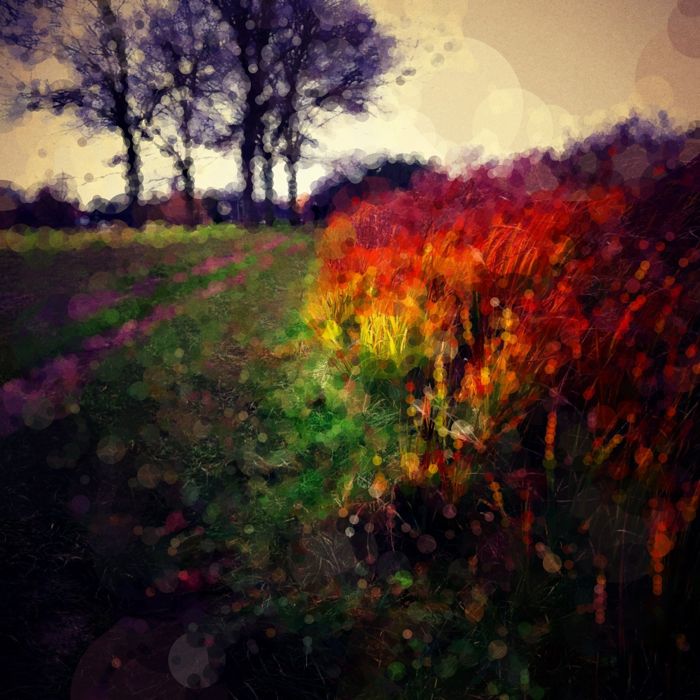
  • Percolator – This one is just fun.  It can take a photo and turn it into a mosaic or painting.  There are loads of different adjustments so the possibilities are endless.
Fiery Grass

Sharing

Finally, after I’ve created all these photos, I share them.  I share them with family and friends and cast of strangers I’m connected to only through various social networks.  But, that’s part of what photography is all about to me in the first place, sharing a bit of how I see the world around me.

  • Instagram – FREE!  No matter what app I may have used to create my photos, they all get shared out through Instagram.  Instagram allows me to share photos simultaneously to all the places I post them, Facebook, Twitter, Tumblr, Email, and Flickr.  Instagram is also a great social network for photographers in its own right.  For those really wanting to keep things simple, Instagram is possibly all you need as you can shoot, apply filters, and share all with this one app.
  • FlickrStackr – FlickrStackr I use for managing photos in Flickr, adding them to sets, groups, adding tags, etc.  Basically, this just helps keep my Flickr stream a little more organized.

So there.  I’ve cleaned up my iPhone and reduced the number of photo apps by about 80%.  Now that I’ve freed up all that space, I’ll just have to fill it up with more photos.

If you have other favorites in your iPhone camera bag please share in the comments.

Soul Searching

A Walk in My Sparkly Shoes

You can’t ever really know what it’s like to walk in someone else’s shoes.  Unless of course they wear the same size as you and you ask to borrow them and then you, literally, walk in their shoes.  But the shoes don’t quite fit the same, or wear the same, or rub in the same places.  So you might be wearing their shoes, but you certainly don’t know what gives them blisters.

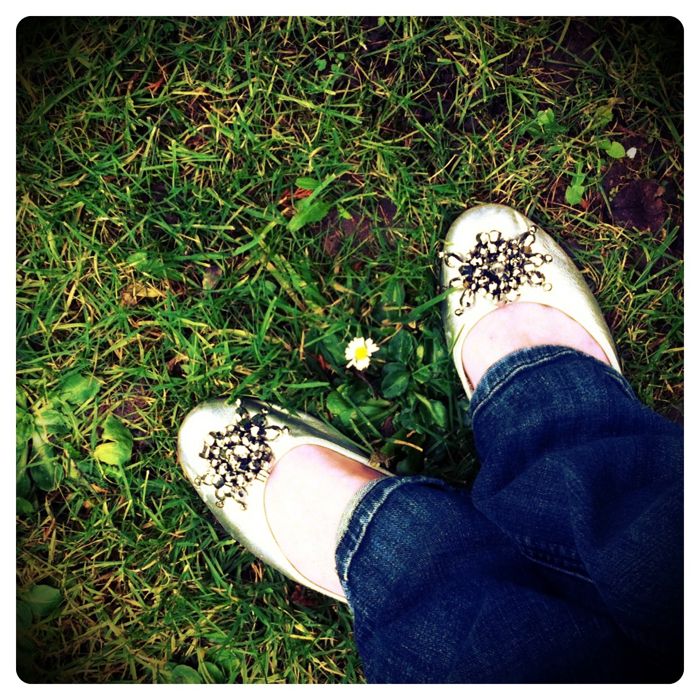
Me, I love sparkly shoes.  I feel like they add a little sunshine to my day, necessary on these dreary English winter days.  Me and my sparkly shoes went on adventures today, everyday life adventures, the kind you don’t think twice about.  But today I paid a little more attention to the things that keep me grounded.

Do you ever pay attention to what it’s like to walk in your own shoes everyday?